Changing an external wall construction to Exterior Glazing
Posted: Wed Nov 21, 2012 8:43 am
Hi,
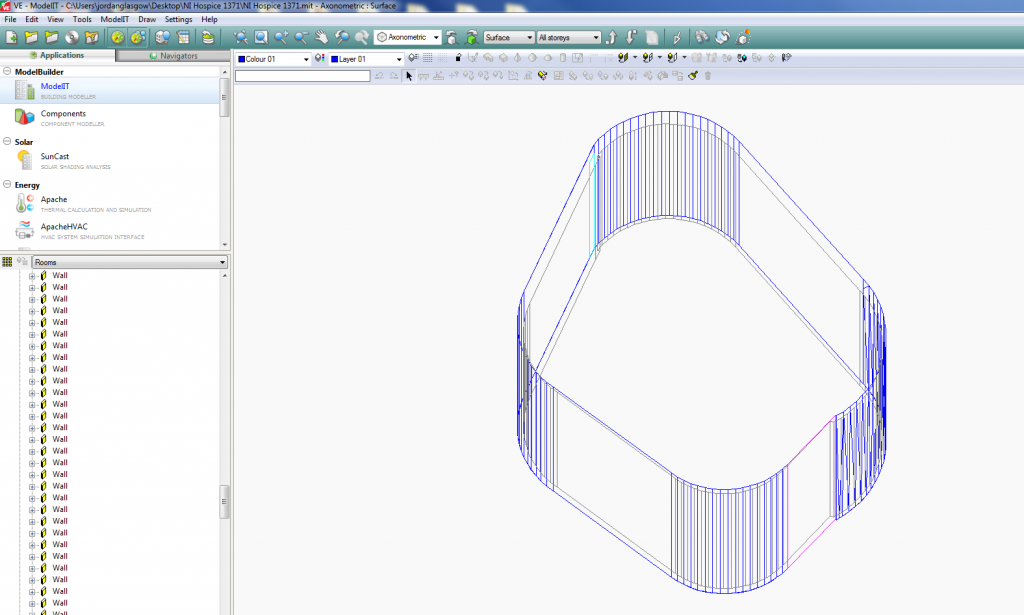
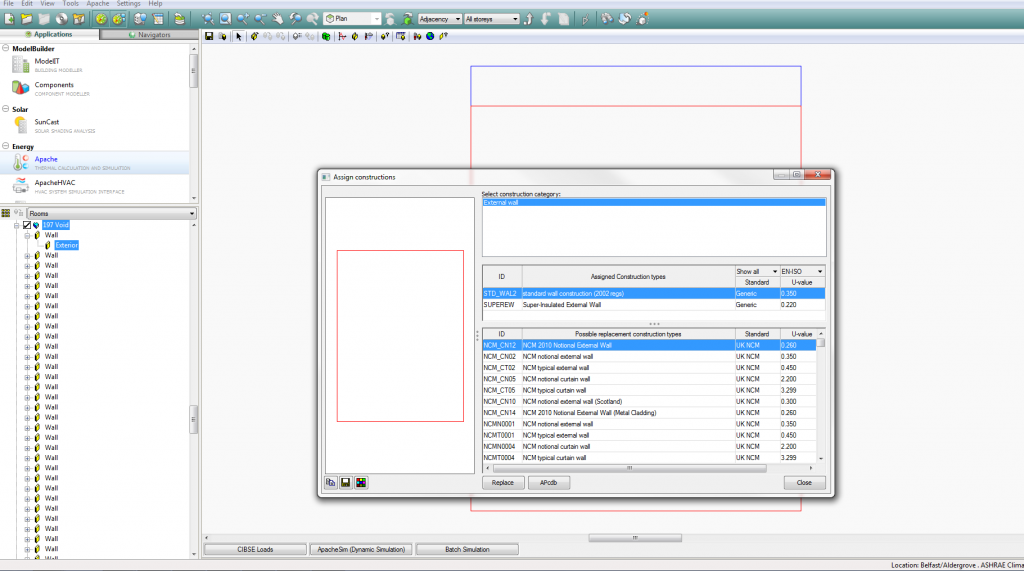
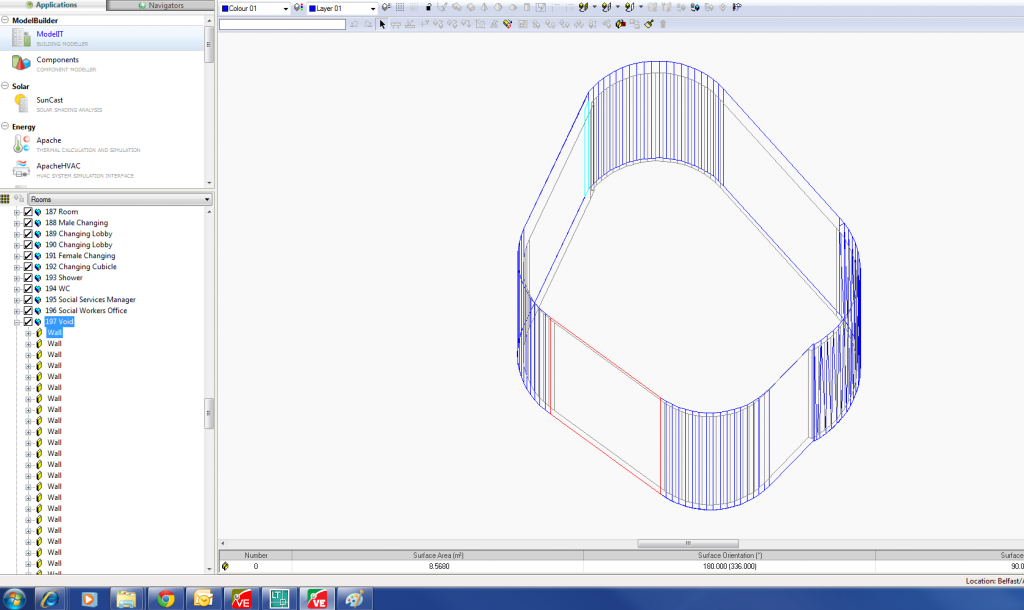
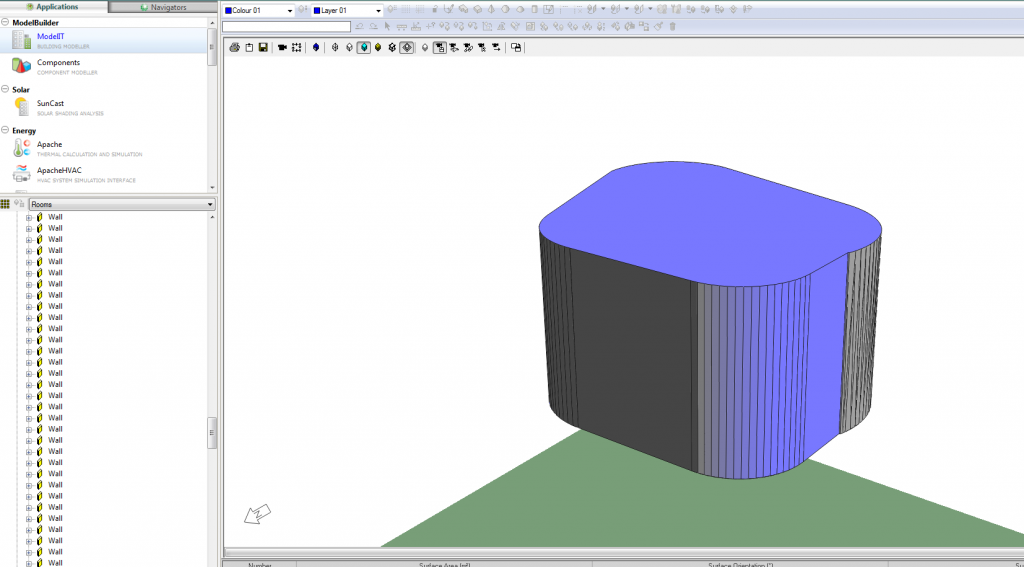
Pretty new to IES, drew up a model in Revit 2013, and imported the gbXML file into IES, with no problems after a few revisits to the revit model following your whitepaper. I've assigned copnstructions and thermal profiles to all rooms in my building and I'm about to do some thermal simulations. But before I do that I've two oddly shaped external walls (spline walls) which I couldnt draw using the curtain wall glazing tool in revit, so i drew them as an external wall hoping I could change this to an exterior glazing construction in IES. I've been trying to do this but when im assigning constructions to these walls, its only allowing me to choose from constructions of exterior walls, is there any way around this.
Any help would be greatly appreciated.
Thanks in advance.
Pretty new to IES, drew up a model in Revit 2013, and imported the gbXML file into IES, with no problems after a few revisits to the revit model following your whitepaper. I've assigned copnstructions and thermal profiles to all rooms in my building and I'm about to do some thermal simulations. But before I do that I've two oddly shaped external walls (spline walls) which I couldnt draw using the curtain wall glazing tool in revit, so i drew them as an external wall hoping I could change this to an exterior glazing construction in IES. I've been trying to do this but when im assigning constructions to these walls, its only allowing me to choose from constructions of exterior walls, is there any way around this.
Any help would be greatly appreciated.
Thanks in advance.
 . Then afterwards you can change the window to the type of window you want, just like you did with the external wall.